
The default title for your matter index is “Index”. You can change this during the creation of a disclosure bundle.
Updating the index title
- When creating a new disclosure bundle, click the Advanced tab
- Under Index style, locate the Index title field
- Clear the default text and enter your preferred title (e.g. Schedule 1)
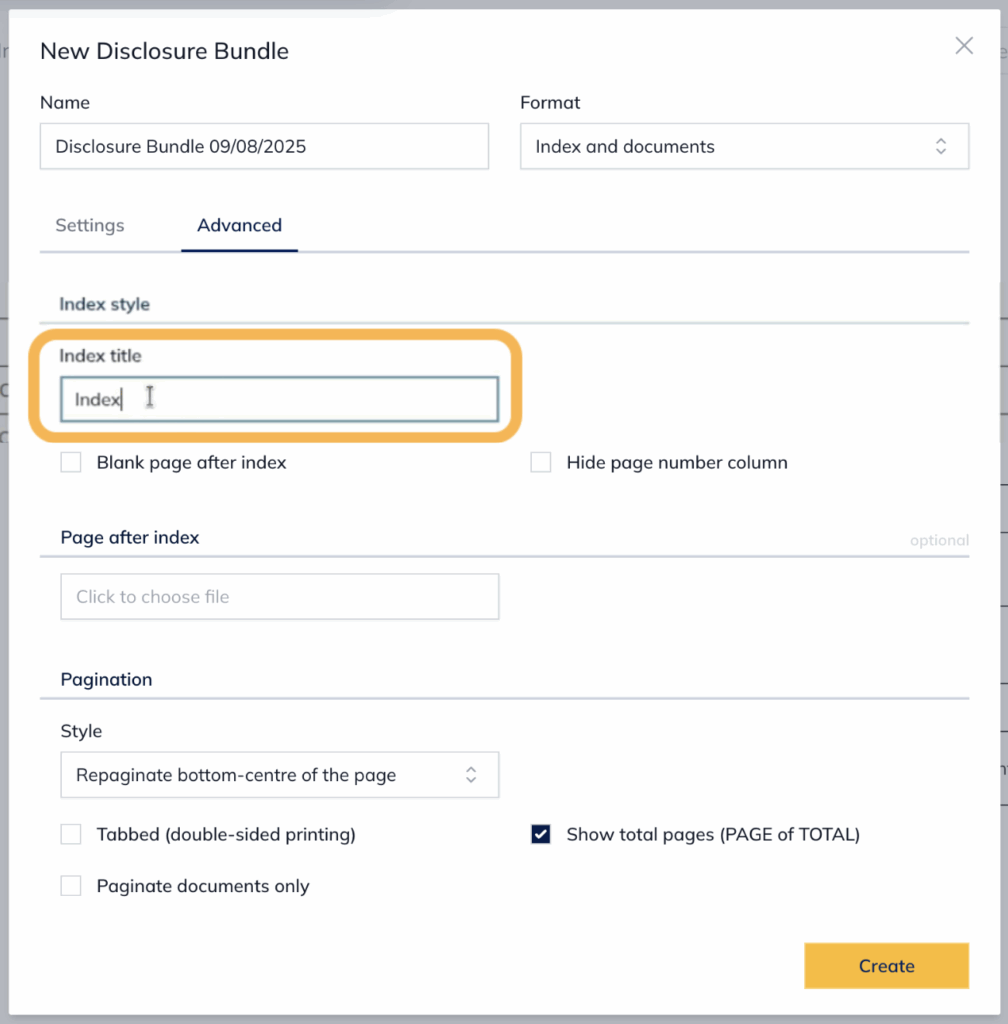
- Click Create – the disclosure bundle will be created with the updated index title
For further information or assistance, please do not hesitate to reach out to our dedicated Support Team via support@legalready.ai or +61 3 9020 4456.