
LiquidText users can send individual documents or a whole set of documents directly from Disclosure Ready to their LiquidText account.
Before you start
You must have an active LiquidText subscription under the same email address you use in Disclosure Ready.
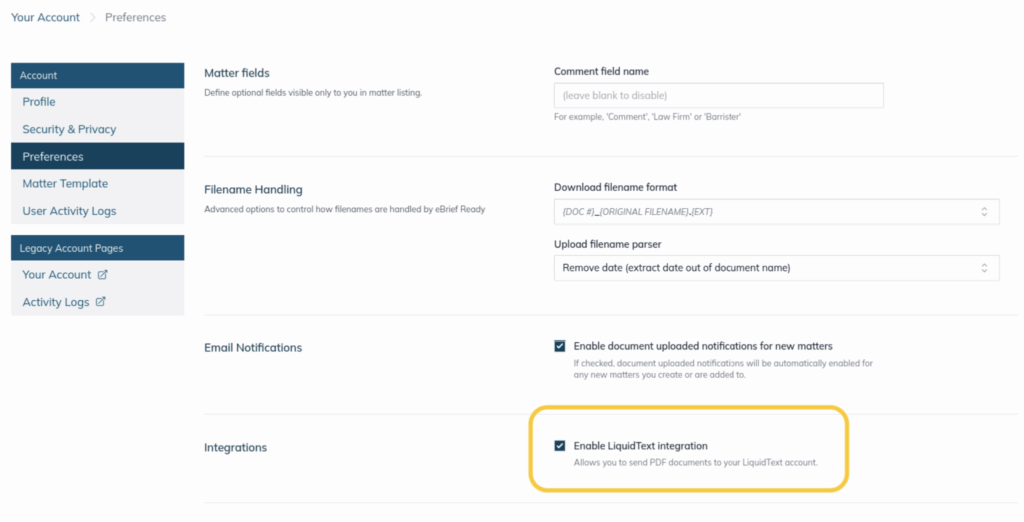
Enabling the LiquidText integration
- Click Welcome, [Name] in the top right hand corder
- Click Your Account and select Preferences from the left-hand panel
- Under Integrations, check the box for Enable LiquidText integration
- Click Save Changes
Sending a single document
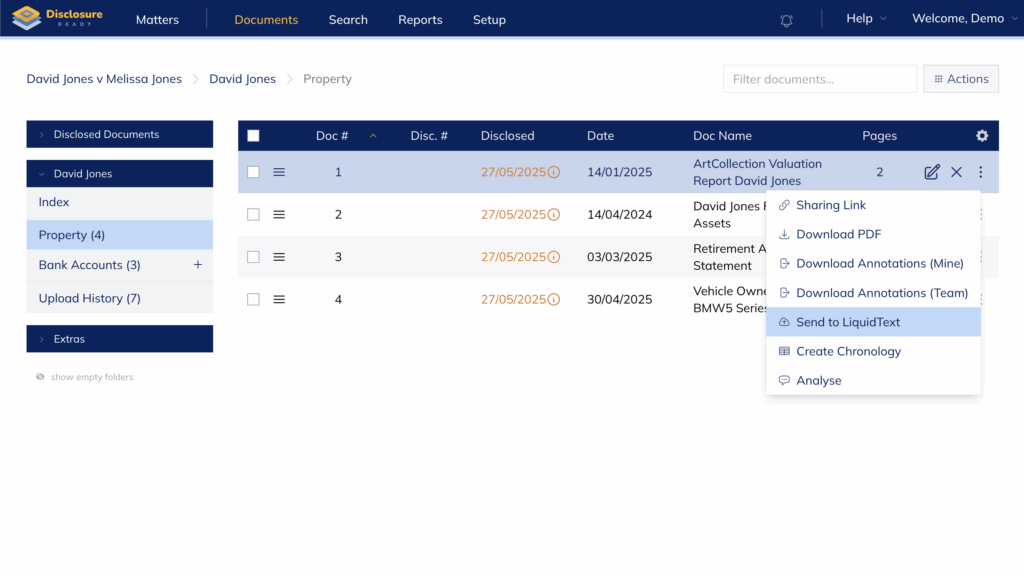
- Click the three dots on the right-hand side of the document name
- Select Send to LiquidText from the dropdown menu
Sending multiple documents
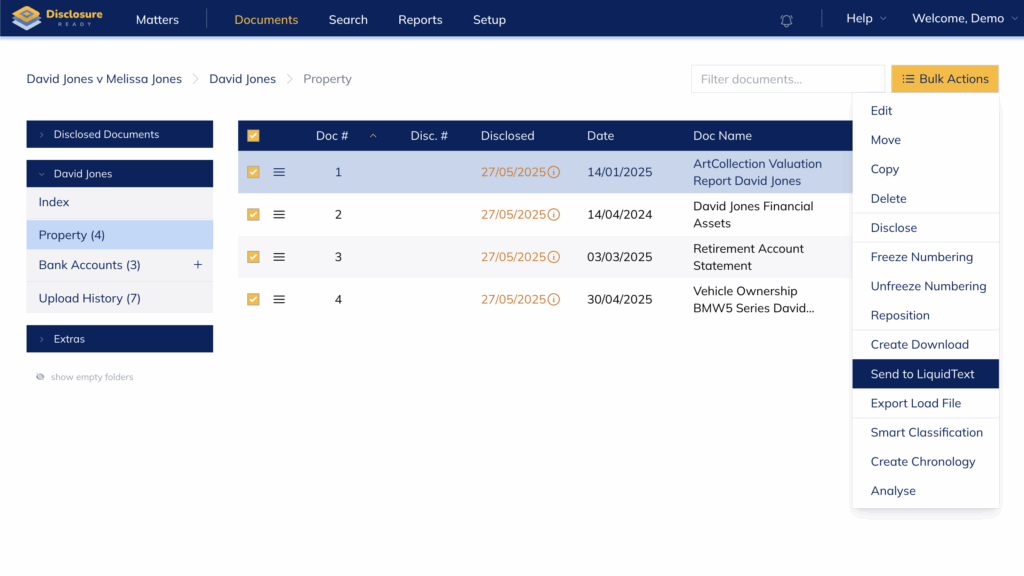
- Select the documents using the checkboxes
- Click Bulk Actions and select Send to LiquidText
Your LiquidText application will open and prompt you to import the files into either a single project or separate projects.
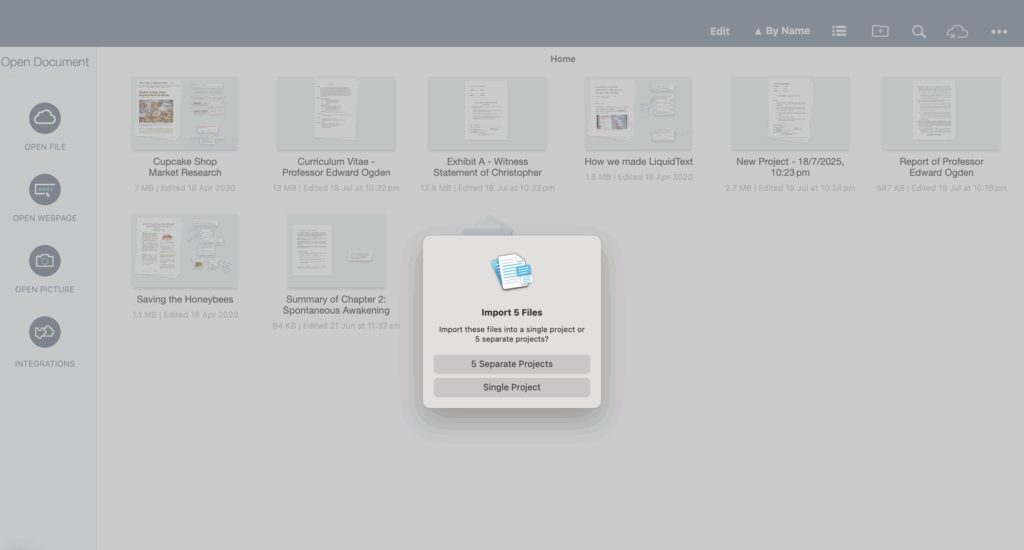
Once imported, you will be able to edit your Disclosure Ready documents within LiquidText.
For further information or assistance, please do not hesitate to reach out to our dedicated Support Team via support@legalready.ai or +61 3 9020 4456.