
You can generate a detailed report of all your annotations within a matter. The report is downloaded as an Excel file containing a complete list of your annotations.
Watch the video below or the instructions below:
Generating an annotation report #
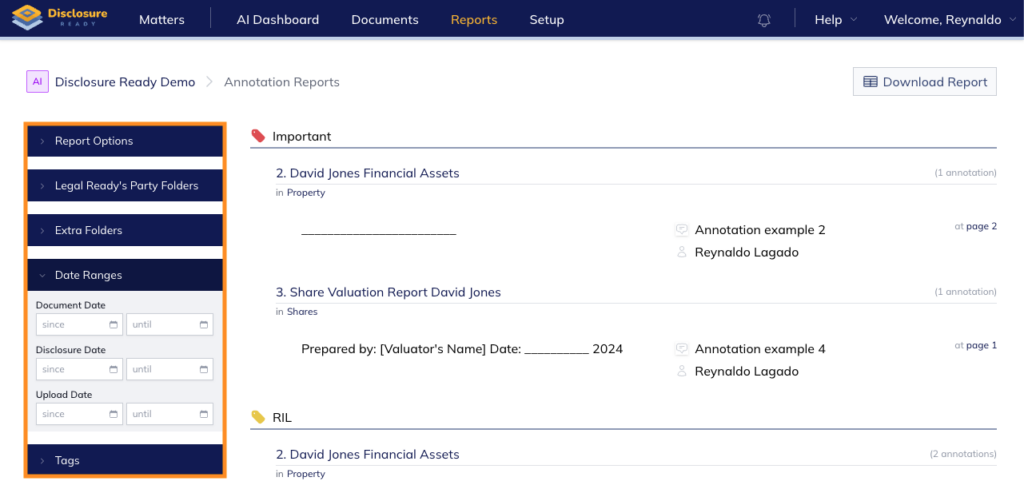
- Click into your matter and click Reports in the top navigation menu
- Expand Report Options in the left menu and select how you would like the report organised
- In the Format dropdown select either:
- Choose whether to organise the report by folder and document or by document date
- Tick My annotations only, to view your annotations and no one else’s
- Expand Folders and select the folder or folders you want to include
- Optionally, narrow the results further by specifying Date Ranges
- Click Download Report
For further information or assistance, please do not hesitate to reach out to our dedicated Support Team via support@legalready.ai or +61 3 9020 4456.