
Reset your Disclosure Ready password from the login screen if you forget it or need to set a new one. #
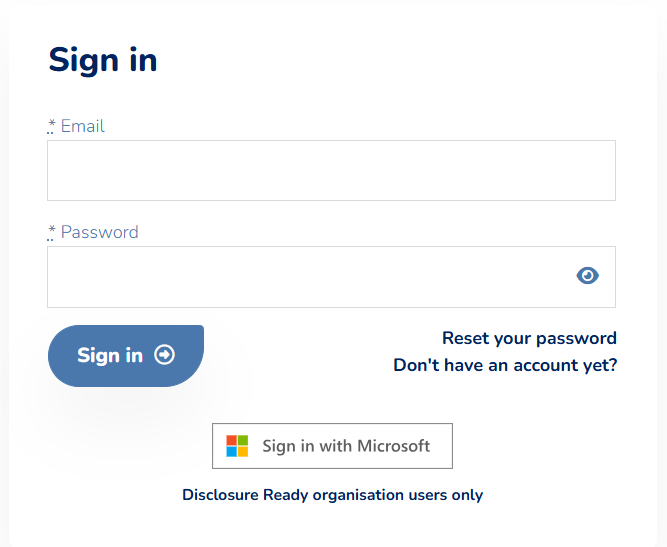
- On the Disclosure Ready Log In screen, click Reset your password
- Enter your registered email address
- Click Continue
- Open the email sent to your registered address
- Click the password reset link
- Enter and confirm your new password
For further information or assistance, please do not hesitate to reach out to our dedicated Support Team via support@legalready.ai or +61 3 9020 4456.