
When you make an annotation on a document, the annotation will appear on the corresponding page of any disclosure bundle that contains that document. The page number will update to reflect the bundle pagination rather than the original document page number.
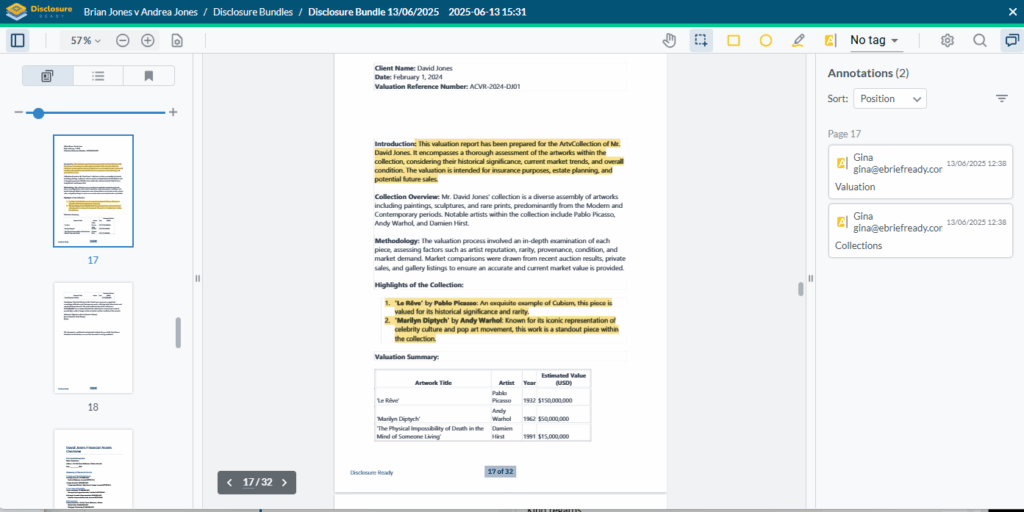
Creating annotations directly in a Disclosure Bundle #
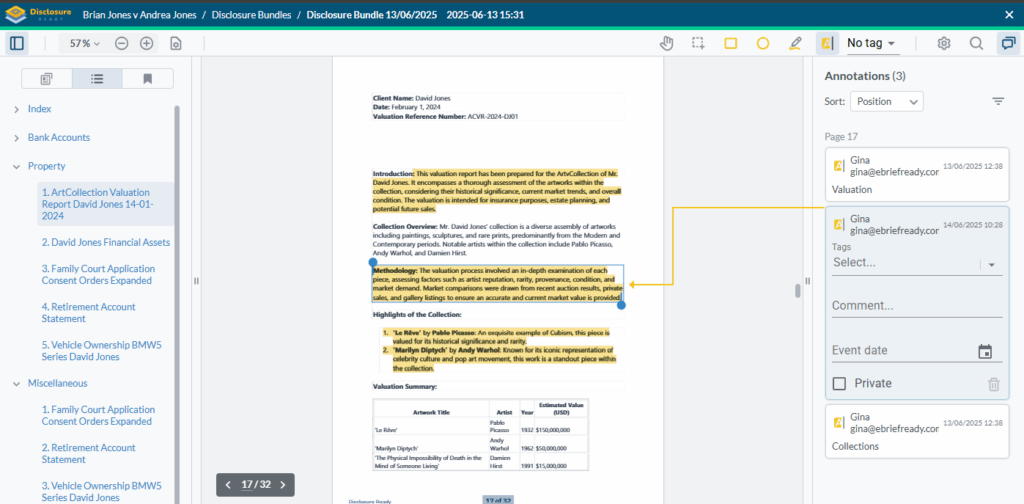
You can also add new annotations directly within a compiled disclosure bundle without going back to the original document.
- Open the Disclosure Bundle
- Navigate to the document you want to annotate using the index hyperlink or by selecting a document thumbnail from the left
- Add the annotation directly to the selected document
For further information or assistance, please do not hesitate to reach out to our dedicated Support Team via support@legalready.ai or +61 3 9020 4456.